

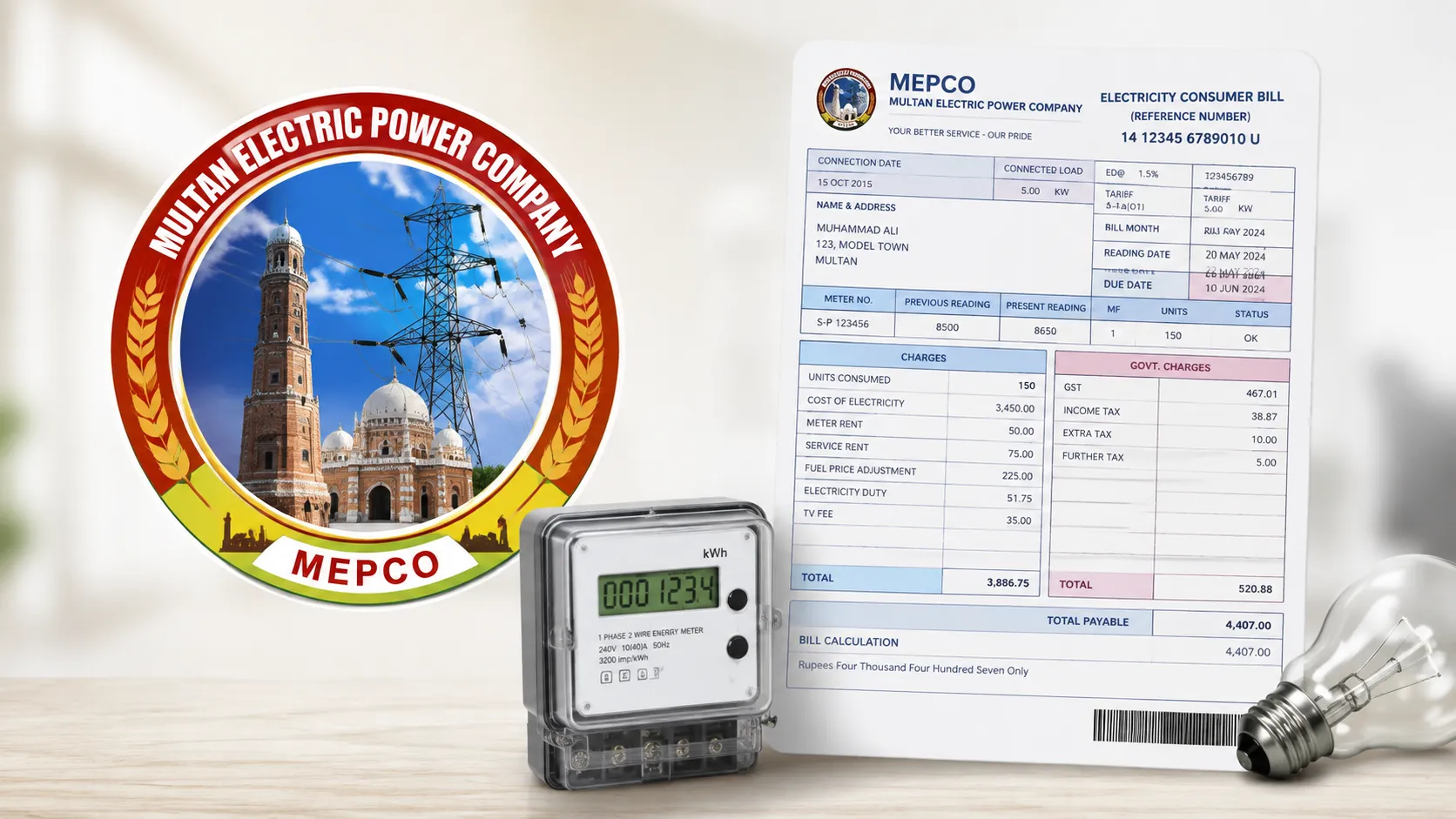
Standing in line just to get a copy of your electricity bill is not something anyone has time for anymore. If you’re a MEPCO consumer, you can pull up your bill, check what you owe, and download it, all from your phone, in under a minute.
Here’s exactly how the process works, along with a few other things worth knowing about your MEPCO account.
How to Check Your MEPCO Bill Online
- Open your browser and go to MEPCO’s official bill-checking portal.
- You’ll see a box asking for either your 14-digit reference number or your 10-digit consumer ID.
- Enter whichever one you have and submit it.
- Your latest bill will load on screen, showing your due date, units consumed, and total payable amount.
- From there, you can download or print it for your records.
If you’re not sure where to find your reference number, it’s printed on any previous paper bill, usually near the top section labeled “Ref No.”
Check Your MEPCO Bill via SMS
Don’t have a smartphone or reliable internet handy? MEPCO also lets you check your bill through a basic text message.
- Open your phone’s messaging app.
- Type PITC followed by your 14-digit reference number (for example: PITC 12345678901234).
- Send it to 8334.
You should receive your bill details back within a few minutes. This is especially useful if you’re just trying to confirm your due amount before a payment deadline.
What’s Included in Your MEPCO Bill
Once your bill loads, here’s what each section actually means:
- Due Date – The last date to pay before a late fee gets added.
- Payable Amount – Your electricity usage cost for the month, before tax and tariff adjustments.
- Meter Reading – A photo of your actual meter reading, so you can visually confirm your unit consumption.
- Taxes and Charges – Government-applied charges added on top of your usage cost.
MEPCO’s Taxes and Surcharges
A few line items on your bill tend to confuse people, so here’s a plain breakdown:
- FPA (Fuel Price Adjustment): An adjustment applied when fuel prices used for electricity generation go up or down.
- TR Surcharge (Tariff Rationalization Surcharge): This reflects the cost difference between NEPRA’s approved tariff and the government’s set tariff. Depending on the direction of that gap, either the government subsidizes it or NEPRA compensates the government.
- Deferred Amount: Any portion of a previous bill you arranged to pay in a later installment. No late fee applies to this specific amount.
- QTR Tariff Adjustment: A quarterly correction based on changes in fuel prices and overall generation costs.
MEPCO Peak Electricity Hours
Running major appliances during peak hours costs more and adds pressure to the grid. MEPCO recommends cutting back on usage during these windows, which shift slightly depending on the season:
| Months | Peak Hours Duration | Time Slot |
|---|---|---|
| December to February | 5 hours | 5 PM to 9 PM |
| March to May | 5 hours | 6 PM to 10 PM |
| June to August | 5 hours | 7 PM to 11 PM |
| September to November | 5 hours | 6 PM to 10 PM |
Shifting heavier appliances like washing machines or water heaters outside these windows can make a noticeable difference on your monthly bill.
MEPCO Bill Payment Options
You’re no longer limited to paying at a bank counter. Current online payment options include:
- Online banking transfers
- Easypaisa
- JazzCash
- Daraz Wallet
MEPCO Bill Installment Plans
If a bill comes in higher than expected, MEPCO does offer installment options depending on the amount:
- Up to Rs. 10,000 or Rs. 1 lakh bills: 3 installments
- Around Rs. 5 lakh bills: 4 installments
- Around Rs. 10 lakh bills: 12 installments
You’ll need to request this directly through MEPCO rather than it being applied automatically.
MEPCO Helpline and Regional Contact Numbers
For general complaints, load shedding queries, or billing issues, MEPCO’s toll-free helpline is available 24/7:
Helpline: 0800-63726
Regional contact numbers:
| Region | Contact Number |
|---|---|
| Multan | 061-9220198 |
| Bahawalnagar | 063-9239031 |
| Sahiwal | 040-9200305 |
| Muzaffargarh | 066-9200065 |
| Dera Ghazi Khan | 064-9239229 |
| Vehari | 067-3360282 |
| Bahawalpur | 062-9250102 |
| Rahim Yar Khan | 068-9230160 |
FAQs
Can I check my MEPCO bill using just my CNIC?
No, MEPCO’s online system only accepts your 14-digit reference number or 10-digit consumer ID. CNIC alone won’t pull up your bill.
Can I extend my bill’s due date if I need more time?
Yes, you can request a due date extension directly through MEPCO, though approval depends on your specific situation.
Does MEPCO charge anything for checking or downloading a bill online?
No, checking, viewing, and downloading your bill online is completely free.
What happens if I lose my paper bill and don’t remember my reference number?
You can usually retrieve it by contacting your regional MEPCO office with your consumer ID, or by checking a previous month’s bill if you have any saved copies.
Is the SMS bill-check service free?
Standard SMS charges from your mobile network may apply, but MEPCO itself doesn’t charge extra for this service.
