

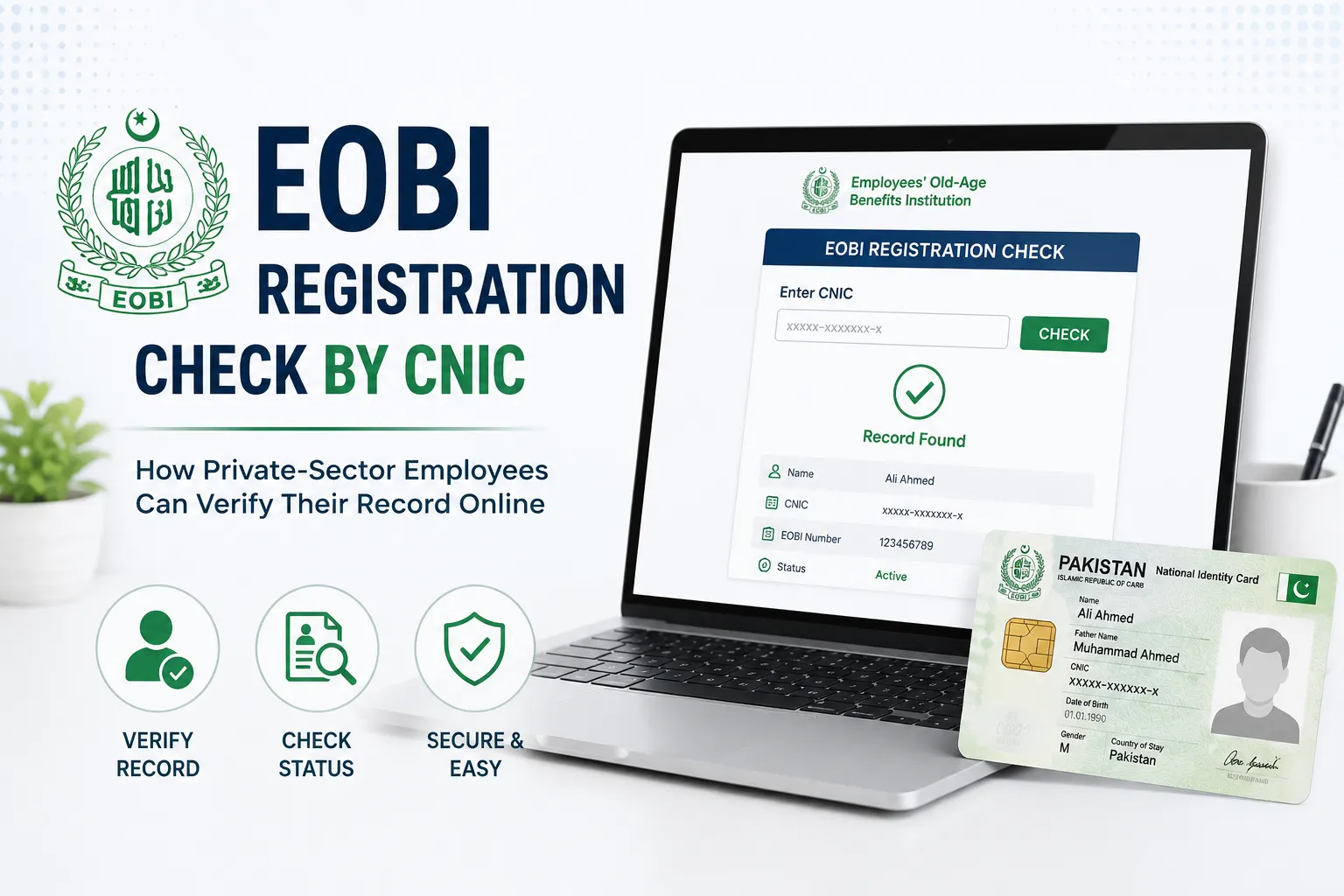
Most people working in Pakistan’s private sector assume their employer has already registered them with the Employees’ Old-Age Benefits Institution (EOBI). In reality, many workers only find out something’s wrong when they finally sit down to apply for their pension, and discover missing records or months of unpaid contributions. That’s exactly the gap the EOBI Registration Check by CNIC is meant to fill.
The good news is that the whole process takes only a couple of minutes online, and it can save employees from a much bigger headache later.
What this check tells you
EOBI is a government body that provides financial security to eligible private-sector workers once they retire. Running a registration check by CNIC lets an employee confirm whether they’re officially in the system.
Registered workers may be entitled to a monthly old-age pension, an invalidity pension, a survivor’s pension, and in some cases an old-age grant. Employers covered under EOBI law are the ones responsible for registering eligible staff and depositing monthly contributions on their behalf, which is precisely why checking your own status matters, since you’re relying on someone else to do it correctly.
How to check your EOBI registration
The process is simple enough to do from a phone or laptop in under two minutes, and it doesn’t cost anything.
Start by visiting the official EOBI website and heading to the Employee Information section on the homepage. From there, enter your 13-digit CNIC number without any spaces or dashes, then hit search. If a registration exists under your name, your employment details will show up on screen right away.
Once the search goes through, employees can typically see their registered name, insured person number, employer’s name, employment history, monthly contribution record, registration status, date of birth, and a few other personal details tied to the account. It’s worth going through this information carefully, since missing contribution months or incorrect details are easier to fix early than years down the line.
Check via mobile app
For those who’d rather not use a browser, EOBI also has an official Android app. After downloading it, employees can register with their CNIC, verify their registered mobile number, log in, and pull up their employment history and contribution details anytime, no office visit required.
If your record does not show up
A missing record isn’t necessarily cause for panic, but it does need follow-up. The first step is talking to your HR department or employer directly and asking for proof of registration, contribution payments, and your registration number.
If that doesn’t resolve things, the next step is visiting the nearest EOBI regional office with your original CNIC, appointment letter, salary slips, and employment certificate if you have one. EOBI staff can verify your employment history from there and guide you through registration or correction.
Some Precautions
Since this involves personal and financial information, EOBI advises employees to only ever enter their CNIC on the official website or app, never share their CNIC or OTP with anyone, and report missing records as soon as they’re noticed rather than letting them sit.
Keeping an EOBI profile accurate and up to date generally means faster pension processing down the road, fewer disputes over contribution history, and a lower chance of a claim getting rejected at the point it matters most. Employees are advised to make this check a habit every few months rather than something they only think about once retirement is close.

1 Comment
Mazoor card