
Close Menu
    What's Hot

    Ministry of Interior and Narcotics Control Jobs 2025 : Online Apply Guide

    November 20, 2025

    Bahria University Karachi Campus Admission 2026 for BS Programs : Apply Now

    December 7, 2025

    NED University Announces Academic Schedule for Fall 2026 & Spring 2027

    November 23, 2025
    Facebook X (Twitter) Instagram
    Pakistan Youth Programme
    Facebook X (Twitter) Instagram Pinterest
    • Latest News
    • Government Schemes
    • How-to Guides
    • Education
    • Jobs & Careers
    Pakistan Youth Programme
    Home»How-to Guides»How to Download the NADRA Digital ID Card (Step-by-Step Guide)
    How-to Guides

    How to Download the NADRA Digital ID Card (Step-by-Step Guide)

    umarfarooqBy umarfarooqNovember 28, 2025No Comments3 Mins Read
    Facebook Twitter Pinterest LinkedIn Tumblr Email
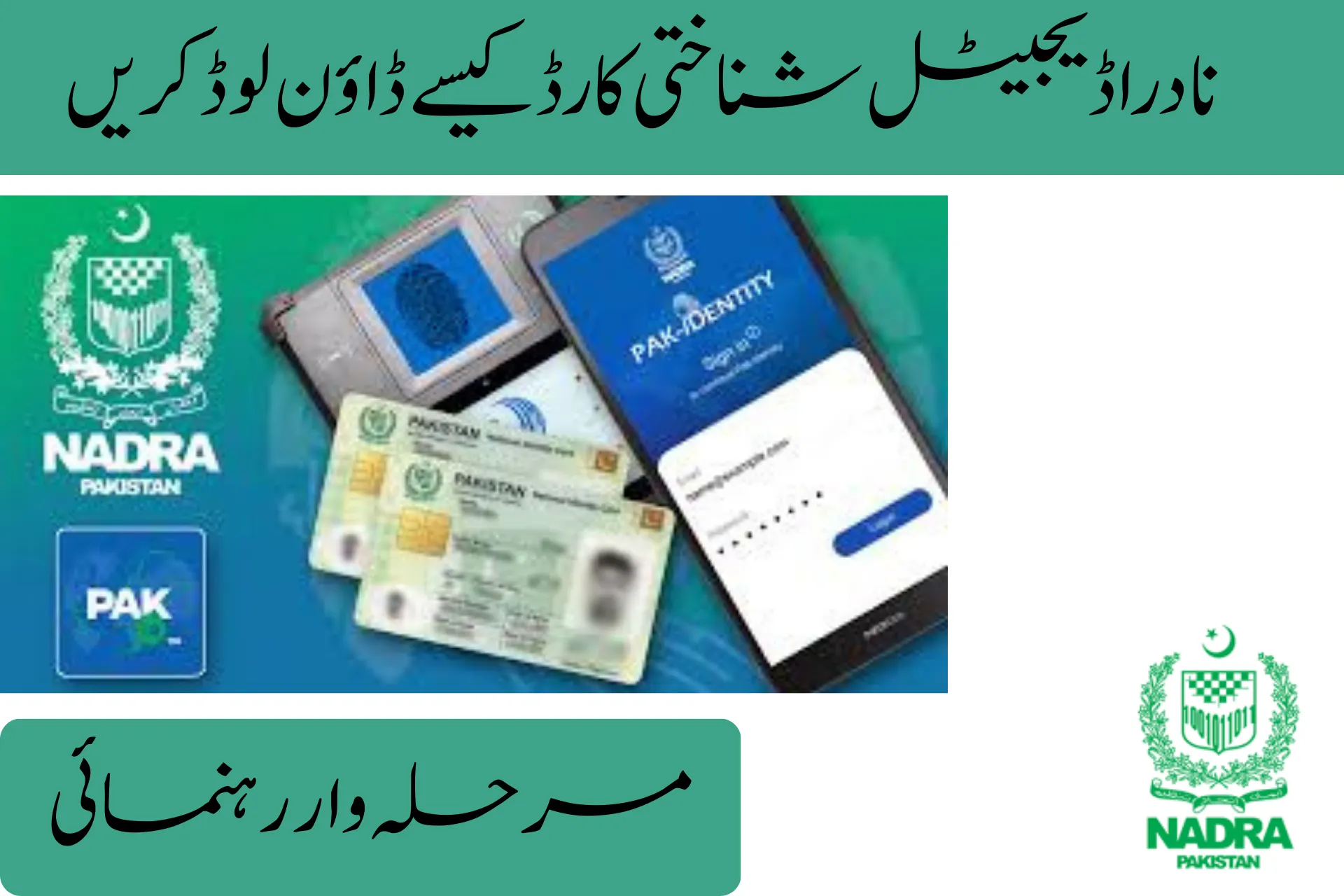
    how to download the nadra digital id card step by step guide
    Share
    Facebook Twitter LinkedIn Pinterest Email Copy Link

    In 2025, the NADRA Digital ID Card will be one of the most significant digital services in Pakistan as it will enable citizens to save and access their CNIC through their mobile phones. Pakistanis are no longer required to be carrying a physical CNIC everywhere because with the launch of the Pak ID Mobile App, Pakistanis can now verify their identity within seconds using a digital card.

    The following is a step-by-step guide on how to download your NADRA Digital ID Card, as well as the information on where to use it, the security measures, and general troubleshooting advice.

    Step 1 : Install the Pak ID App

    Start by downloading the official Pak ID Mobile App from:

    • Google Play Store
    • Apple App Store

    This is the only authorized application for accessing your digital CNIC.

    Step 2 : Log In

    Open the app and enter:

    • Your CNIC number
    • Your NADRA-registered mobile phone number

    This ensures secure access to your digital identity.

    Step 3 : Enter OTP

    NADRA will send a One-Time Password (OTP) to your mobile phone.

    Enter the code to verify your identity and access your account.

    Step 4 : Select “Digital ID Card”

    Once logged in, choose the Digital ID Card / Digital CNIC option from the main dashboard.

    Step 5 : Download and Save

    Your Digital CNIC will appear on the screen.
    You can:

    • View it anytime
    • Save it on your device
    • Use it for verification purposes

    The digital card remains stored inside the app and can be accessed instantly whenever needed.

    Where the Digital CNIC Is Accepted

    The NADRA Digital ID Card is now officially accepted across Pakistan at:

    • Government departments
    • Banks & financial institutions
    • Telecom/SIM service centers
    • Airports & travel desks
    • Utility & billing offices
    • Corporate HR departments
    • Online portals requiring CNIC verification

    New Security Features Added in 2025

    NADRA has upgraded the Digital ID system with advanced protections, including:

    • Encrypted QR code verification
    • Anti-screenshot protection (in select app versions)
    • Digital watermarking
    • Real-time verification through NADRA servers
    • Device-based encryption to prevent unauthorized access

    These updates make the digital version even more secure than the physical CNIC.

    Common Issues and Quick Solutions

    1. OTP Not Received

    • Ensure your mobile number is updated in NADRA’s system.
    • Restart your device and retry.

    2. App Login Problems

    • Update the Pak ID app to the latest version.
    • Clear cache and re-enter your login details.

    3. Digital ID Option Missing

    • Make sure your CNIC is valid and not expired.
    • Update the app to the newest version.

    Conclusion

    The NADRA Digital ID Card Free Download 2025 is an important milestone in the process of digitalization of Pakistan. With the increasing number of organizations going online in the verification process, it is becoming necessary to have your CNIC stored safely on your smart phone. The digital ID card is a bringer of unparalleled convenience to millions of Pakistani citizens because of its fast access, better security, and high level of acceptance.

    Related

    Share. Facebook Twitter Pinterest LinkedIn Tumblr Email
    Previous ArticleNADRA Launches Free Digital ID Card Download Service for 2025
    Next Article Airport Security Force Jobs 2025 : Online Apply at ASF Jobs Portal
    umarfarooq
    • Website

    Related Posts

    How-to Guides

    How to Get a MEPCO Bill Installment Easily

    By umarfarooqDecember 24, 2025
    How-to Guides

    How to Apply for Water and Sanitation Agency (WASA) Sahiwal Jobs 2026

    By umarfarooqDecember 17, 2025
    How-to Guides

    How to Apply Online for CM Punjab Meri Gari Scheme 2025

    By umarfarooqDecember 13, 2025
    How-to Guides

    How to Apply for Asaan Karobar 2026 Loan Scheme Online

    By umarfarooqDecember 11, 2025
    How-to Guides

    How to Apply for NADRA December Jobs 2025? – Step-by-Step Guide

    By umarfarooqDecember 6, 2025
    How-to Guides

    How to Apply for Punjab E-Taxi Scheme 2025 : (Step-by-Step Guide)

    By umarfarooqDecember 1, 2025
    Add A Comment
    Leave A Reply Cancel Reply

    Don't Miss

    University of Karachi UoK to Remain Closed on December 25, 2025

    By umarfarooqDecember 25, 2025

    On December 25, 2025, the university will officially close on both the Quaid-e-Azam Day and…

    Election Commission of Pakistan ECP Jobs 2026 : Online Apply

    December 25, 2025

    How to Get a MEPCO Bill Installment Easily

    December 24, 2025

    CM Punjab Asaan Karobar Card Apply Online : Interest-Free Loan Guide 2025

    December 23, 2025
    Top Posts

    UHS Fourth Professional MBBS Theory Exams Schedule Out 2025

    November 17, 2025

    NEDUET University Announces Ph.D Architecture Exam Schedule 2025

    November 29, 2025

    Pakistan E-Bike Subsidy : How to Apply and Get Benefits

    November 7, 2025

    Ministry of Interior and Narcotics Control Jobs 2025 : Online Apply Guide

    November 20, 2025
    About Us

    We provide authentic and timely updates on government schemes, scholarships, education, and jobs in Pakistan. Our mission is to make public information accessible, easy to understand, and beneficial for everyone.

    Email Us: hello@pyp.com.pk

    Facebook X (Twitter) Pinterest WhatsApp RSS
    Our Picks

    How to Get a MEPCO Bill Installment Easily

    December 24, 2025

    Punjab Announces 100,000 Electric Bikes for Students in 2026

    December 21, 2025

    PM Loan Scheme Pakistan 2025: Apply Online & Eligibility

    November 4, 2025
    Most Popular

    UET Admission Schedule for PG Programs 2025 Announced – Complete Guide

    December 19, 2025

    UHS Admissions 2024 Diploma & MCPS Programs : Online Applications Open for Session 2025-26

    December 10, 2025

    Airport Security Force Jobs 2025 : Online Apply at ASF Jobs Portal

    November 28, 2025
    © 2025 PYP.Com.PK | Right Reserved
    • About Us
    • Contact Us
    • Privacy Policy
    • Disclaimer
    • Terms & Conditions

    Type above and press Enter to search. Press Esc to cancel.