
Close Menu
    What's Hot

    Ministry of Information Technology & Telecommunication Jobs 2026 : Apply Online for DEEP Project

    January 16, 2026

    Solar Panel Prices in Pakistan Drop Sharply : Big Relief for Consumers in 2025

    December 5, 2025

    DNSK BSN Nursing Admissions 2026 Registration Open for Public Sector Nursing Colleges in Sindh

    June 10, 2026
    Facebook X (Twitter) Instagram
    Pakistan Youth Programme
    Facebook X (Twitter) Instagram Pinterest
    • Latest News
    • Government Schemes
    • How-to Guides
    • Education
    • Jobs & Careers
    Pakistan Youth Programme
    Home»How-to Guides»How to Download the NADRA Digital ID Card (Step-by-Step Guide)
    How-to Guides

    How to Download the NADRA Digital ID Card (Step-by-Step Guide)

    umarfarooqBy umarfarooqNovember 28, 2025No Comments3 Mins Read
    Facebook Twitter Pinterest LinkedIn Tumblr Email
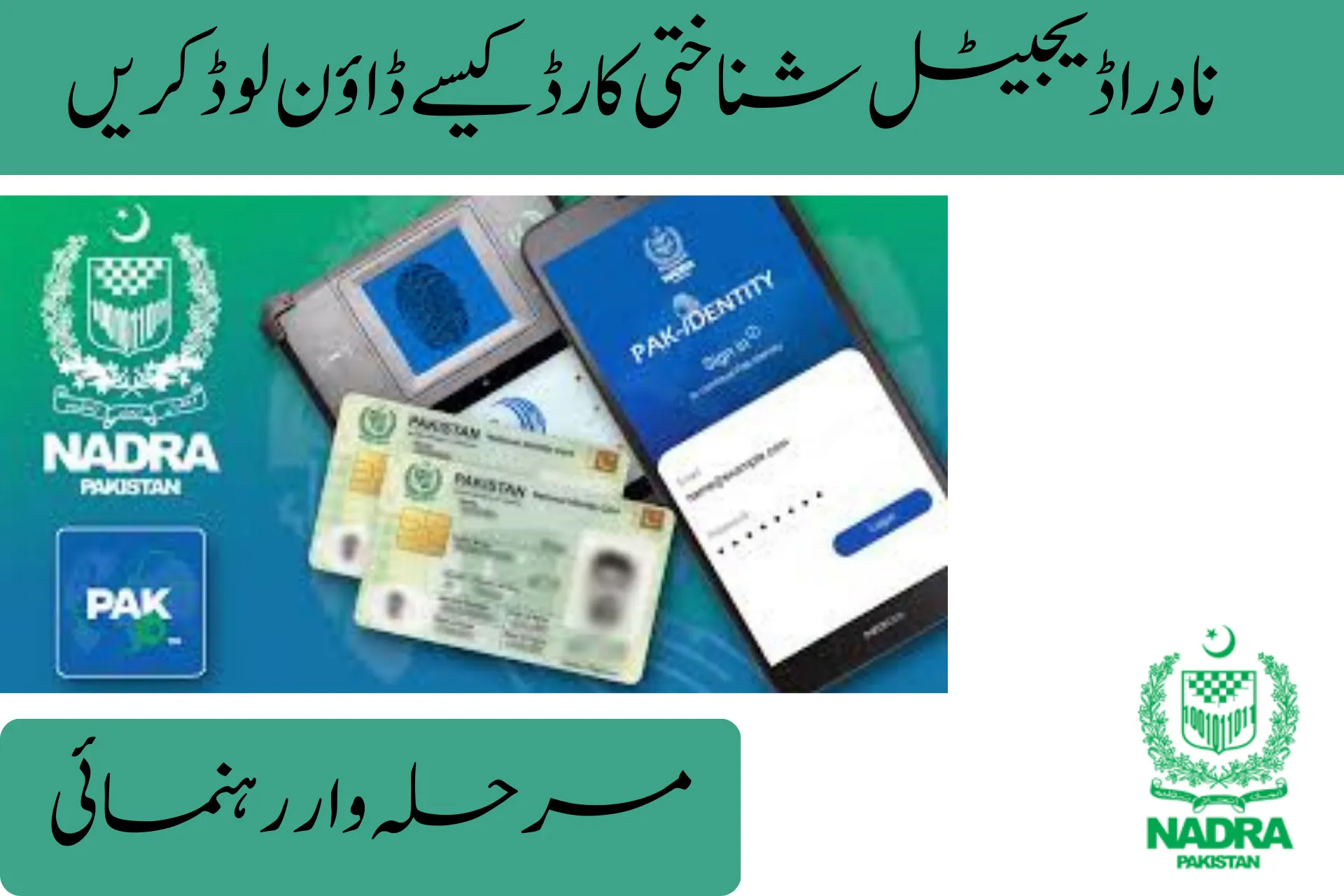
    how to download the nadra digital id card step by step guide
    Share
    Facebook Twitter LinkedIn Pinterest Email Copy Link

    In 2025, the NADRA Digital ID Card will be one of the most significant digital services in Pakistan as it will enable citizens to save and access their CNIC through their mobile phones. Pakistanis are no longer required to be carrying a physical CNIC everywhere because with the launch of the Pak ID Mobile App, Pakistanis can now verify their identity within seconds using a digital card.

    The following is a step-by-step guide on how to download your NADRA Digital ID Card, as well as the information on where to use it, the security measures, and general troubleshooting advice.

    Step 1 : Install the Pak ID App

    Start by downloading the official Pak ID Mobile App from:

    • Google Play Store
    • Apple App Store

    This is the only authorized application for accessing your digital CNIC.

    Step 2 : Log In

    Open the app and enter:

    • Your CNIC number
    • Your NADRA-registered mobile phone number

    This ensures secure access to your digital identity.

    Step 3 : Enter OTP

    NADRA will send a One-Time Password (OTP) to your mobile phone.

    Enter the code to verify your identity and access your account.

    Step 4 : Select “Digital ID Card”

    Once logged in, choose the Digital ID Card / Digital CNIC option from the main dashboard.

    Step 5 : Download and Save

    Your Digital CNIC will appear on the screen.
    You can:

    • View it anytime
    • Save it on your device
    • Use it for verification purposes

    The digital card remains stored inside the app and can be accessed instantly whenever needed.

    Where the Digital CNIC Is Accepted

    The NADRA Digital ID Card is now officially accepted across Pakistan at:

    • Government departments
    • Banks & financial institutions
    • Telecom/SIM service centers
    • Airports & travel desks
    • Utility & billing offices
    • Corporate HR departments
    • Online portals requiring CNIC verification

    New Security Features Added in 2025

    NADRA has upgraded the Digital ID system with advanced protections, including:

    • Encrypted QR code verification
    • Anti-screenshot protection (in select app versions)
    • Digital watermarking
    • Real-time verification through NADRA servers
    • Device-based encryption to prevent unauthorized access

    These updates make the digital version even more secure than the physical CNIC.

    Common Issues and Quick Solutions

    1. OTP Not Received

    • Ensure your mobile number is updated in NADRA’s system.
    • Restart your device and retry.

    2. App Login Problems

    • Update the Pak ID app to the latest version.
    • Clear cache and re-enter your login details.

    3. Digital ID Option Missing

    • Make sure your CNIC is valid and not expired.
    • Update the app to the newest version.

    Conclusion

    The NADRA Digital ID Card Free Download 2025 is an important milestone in the process of digitalization of Pakistan. With the increasing number of organizations going online in the verification process, it is becoming necessary to have your CNIC stored safely on your smart phone. The digital ID card is a bringer of unparalleled convenience to millions of Pakistani citizens because of its fast access, better security, and high level of acceptance.

    Share. Facebook Twitter Pinterest LinkedIn Tumblr Email
    Previous ArticleNADRA Launches Free Digital ID Card Download Service for 2025
    Next Article Airport Security Force Jobs 2025 : Online Apply at ASF Jobs Portal
    umarfarooq
    • Website

    Related Posts

    How-to Guides

    MEPCO Online Bill Check: View & Download Duplicate Bill

    By Alizay KhanAugust 4, 2026
    How-to Guides

    EOBI Registration Check by CNIC: How Private-Sector Employees Can Verify Their Record Online

    By umarfarooqAugust 2, 2026
    How-to Guides

    How to Apply for an E-Passport Online in Pakistan: Pak ID Platform, Cashless Payments and Home Delivery Explained

    By Alizay KhanJune 24, 2026
    How-to Guides

    Hajj 2027 Registration Opens in Pakistan: Online Application Process, Passport Requirements and Important Details

    By Alizay KhanJune 24, 2026
    How-to Guides

    How to Apply for Punjab E-Taxi Scheme: (Step-by-Step Guide)

    By umarfarooqJune 19, 2026
    How-to Guides

    How to Apply for ASF Jobs 2026: Step-by-Step Guide

    By umarfarooqJune 19, 2026
    Add A Comment
    Leave A Reply Cancel Reply

    Don't Miss

    Pakistan Railways Jobs September 2026, Apply Online

    By umarfarooqSeptember 1, 2026

    Pakistan Railways has announced Pakistan Railways Jobs for September 2026 for candidates interested in contract-based…

    MEPCO Online Bill Check: View & Download Duplicate Bill

    August 4, 2026

    BISE Lahore Will Replace Paper Result Cards With QR-Verified Digital PDFs

    August 4, 2026

    Rs. 1,500 & Rs. 100 Prize Bond Draw August 17, 2026: Prize List & Details

    August 4, 2026
    Top Posts

    FBR Activates Secure Link With NADRA to Protect Sensitive Public Records

    February 19, 2026

    State Bank of Pakistan Announces New Currency Notes Update 2026

    March 26, 2026

    Asaan Karobar 2026 Loan Scheme : Online Apply & Complete Loan Details

    December 10, 2025

    Punjab E-Transfer Round 2026 Officially Opened for Teachers

    June 23, 2026
    About Us

    We provide authentic and timely updates on government schemes, scholarships, education, and jobs in Pakistan. Our mission is to make public information accessible, easy to understand, and beneficial for everyone.

    Email Us: hello@lightyellow-lemur-748693.hostingersite.com

    Facebook X (Twitter) Pinterest WhatsApp RSS
    Our Picks

    Benazir Income Support Program 2025 – Latest Update & Payment Check

    November 9, 2025

    Agriculture Loan Scheme Pakistan : How to Get Government Loan in 2025

    November 17, 2025

    CM Punjab Loan Scheme 2026 Online Apply : Complete Guide

    March 15, 2026
    Most Popular

    How to Apply for Water and Sanitation Agency (WASA) Sahiwal Jobs 2026

    December 17, 2025

    CM Punjab Green Tractor Winners Check 2026 by CNIC : Complete Guide

    February 1, 2026

    Matric Annual Exams Postponed in Punjab City After Paper Leak Reports

    May 11, 2026
    © 2026 PYP.Com.PK | Right Reserved
    • About Us
    • Contact Us
    • Privacy Policy
    • Disclaimer
    • Terms & Conditions

    Type above and press Enter to search. Press Esc to cancel.