

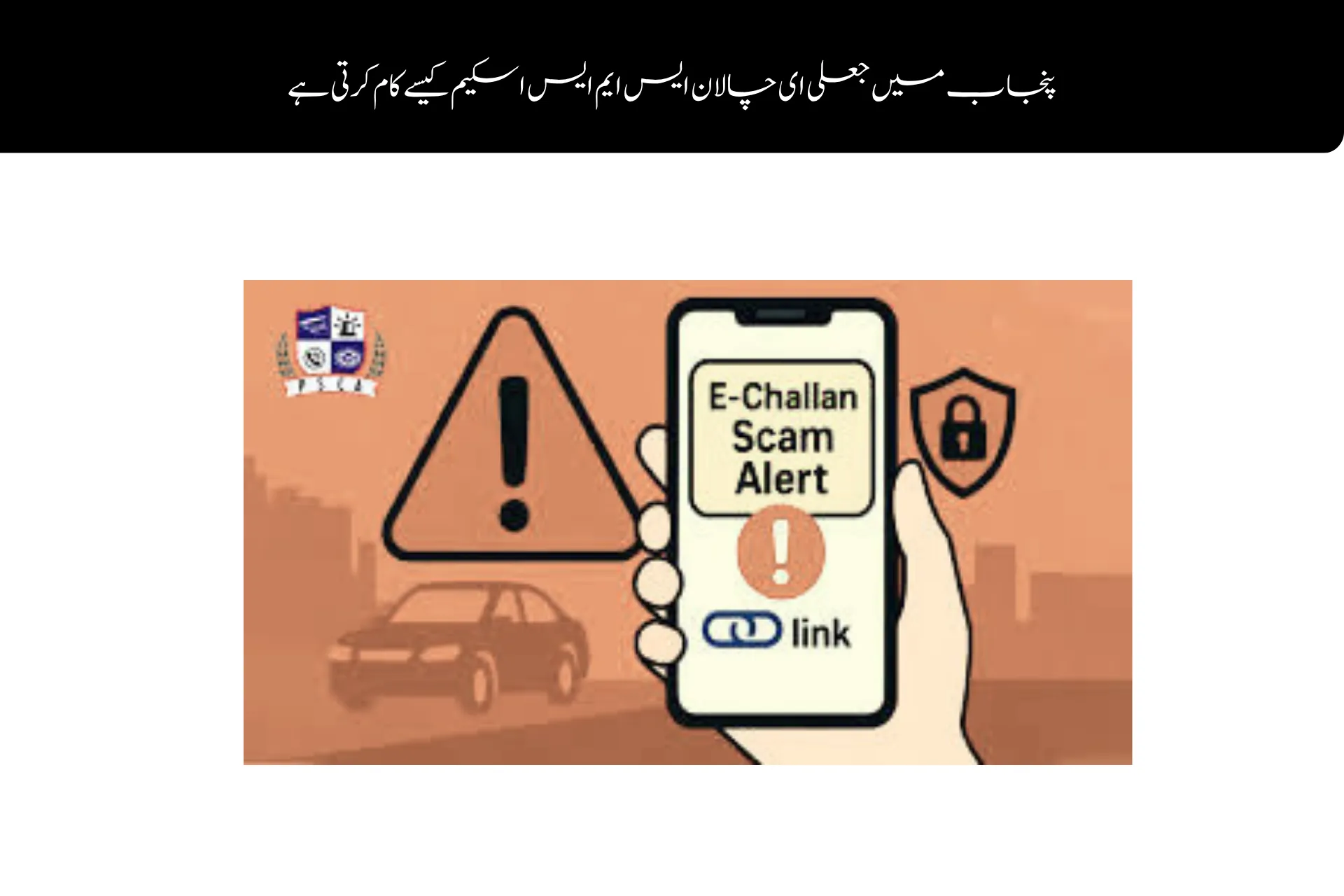
The Fake E-Challan SMS Scam in Punjab has become a significant issue for drivers and vehicle owners in the province. Nowadays, fake traffic tickets have been being sent out as a way of tricking citizens to provide personal information or to pay fake fines.
The Punjab Safe Cities Authority has said that there are several SMS messages in circulation from unauthorised numbers claiming to be e-challan notification from the government.
The police have cautioned people to be on their guard and think twice about any message before they reply.
What Is the Punjab Fake E-Challan SMS Scam?
The scam is one that involves traffic fine notification messages sent via SMS that are bogus.
These messages often claim that:
- A traffic rule has been violated
- An e-challan has been issued
- Immediate payment is required
- Legal action may follow if payment is not made quickly
Scammers attempt to hurry people and scare them into clicking on deceptive links or entering personal details.
Official E-Challan Messages Come Only From 9915
The Punjab Safe Cities Authority announced that e-challan notifications issued by the Government of Punjab are only sent through its designated number 9915.
Any message received from a number, other than 8070, relating to a challan must be regarded as suspicious.
Unofficial traffic-related SMS messages are not trusted by citizens.
How to Identify a Real E-Challan Message
A genuine e-challan for Punjab will include all detailed and accurate information about the traffic offence.
Information Included in Genuine Messages
Time of Violation
The exact time when the traffic violation occurred.
Location Details
Specific area or road where the incident happened.
Nature of Offense
Clear description of the traffic rule violation.
Official messages typically have a professional tone and are properly formatted, and they don’t require sensitive banking data.
Warning Signs of a Fake Challan SMS
There are a number of suspicious features in many fraudulent messages that can assist citizens in detecting message fraud.
Common Red Flags
- Messages sent from unofficial numbers
- Poor grammar or spelling mistakes
- Suspicious website links
- Urgent payment threats
- Requests for ATM or banking details
- Unknown payment methods
Authorities Warn Against Sharing Personal Information
Officials stressed that government departments never ask citizens to provide:
- Debit or credit card numbers
- Bank account information
- PIN codes
- OTP verification codes
- Cash transfers through SMS
Report Suspicious Messages Immediately
The Punjab Safe Cities Authority has urged the public to report suspicious activities immediately.
Where to Report
Emergency Helpline 15
Citizens can report scam attempts directly through police emergency services.
FIA Cyber Crime Wing
Any incidents of online fraud or phishing scams may be reported to the Federal Investigation Agency Cyber Crime Wing.
When scams are reported promptly, it assists authorities in identifying scammers and in ending other scam attempts.
How to Stay Safe From E-Challan Scams
Citizens can protect themselves by following a few simple precautions.
Safety Tips
- Trust only SMS notifications from 9915
- Verify challans through official government platforms
- Never click unknown links
- Avoid making payments on suspicious websites
- Do not share banking information through SMS
- Stay updated with official public advisories
Digital awareness remains one of the strongest protections against cyber fraud.
Why Online Scams Are Increasing
Online scams keep increasing as many fraudsters are taking advantage of the trust that the public has on government systems.
Common scam categories now include:
- Fake e-challans
- Banking scams
- Fake subsidy programs
- Prize-winning messages
- Delivery payment fraud
With more services getting online, scammers are getting better at making fake notifications.
Fake E-Challan SMS scam is a grave cyber scam that aims to trick citizens by sending fake traffic challan SMSes.
Authorities have explicitly said that they will only send e-challan notifications from 9915, and not from numbers such as 8070.
The citizens are kindly requested to check all notifications thoroughly, refrain from clicking any suspicious links and report any scam attempts to the Helpline 15 or the Federal Investigation Agency Cyber Crime Wing immediately to avoid further incidents of online fraud.

1 Comment
C M Punjab Ma na cary duba lena hia